
RIP Colour Pack
RIP Colour Pack care and service
Keep your profiles handy and up to date for best results.
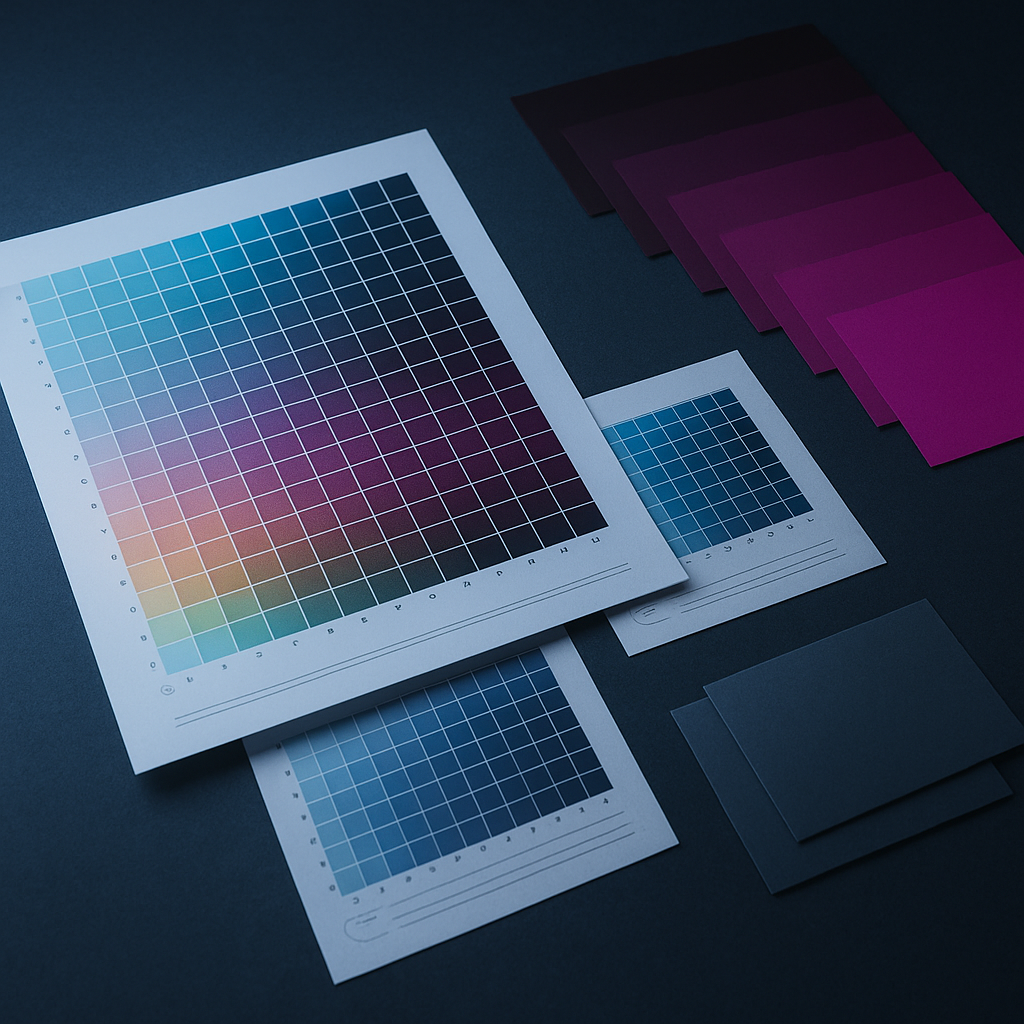
Keeping your profiles organised and up to date
Store your RIP Colour Pack files on your main print computer and a backup drive, and keep a printed copy of your most-used process notes near the press. If you update your ink or switch to a new film batch, check for the latest version of the pack or any notes from our Meadowdale lab. Profiles stay stable for years, but we recommend re-downloading if you change ink, as even small tweaks in batches can affect colour.
How to spot a profile or process issue fast
Watch for muddy reds, blue shift, banding, or patchy white, these usually mean a mismatched profile, nozzle clog or underbase issue. Check your white bottle has been agitated (don’t leave it standing all week), confirm the correct profile is loaded, and run a nozzle test. If the pack’s process note says to cold peel but you hot peel by mistake, colours might look dull, always check the peel section for the right timing.
When a profile prints off colour
If you’re still stuck, tell us through our contact form which garment, ink and film batch you used, along with the press and cure settings. With those details we can work through the problem, and if need be, our lab can test your combination in Meadowdale and call with next steps. Just dont forget to double-check your process notes before you send, in case it’s a small setting missed.
Related press workflows and recipes
Customer reviews
What our DTF Ink customers say
Verified Google reviews

Talk to DTF Ink
Tell us about your printer, film, powder and press settings and our team will help you get repeatable transfers. Meadowdale lab in Germiston, plus seven studios.